Plumbing Estimating Software: What to Look For (2026)
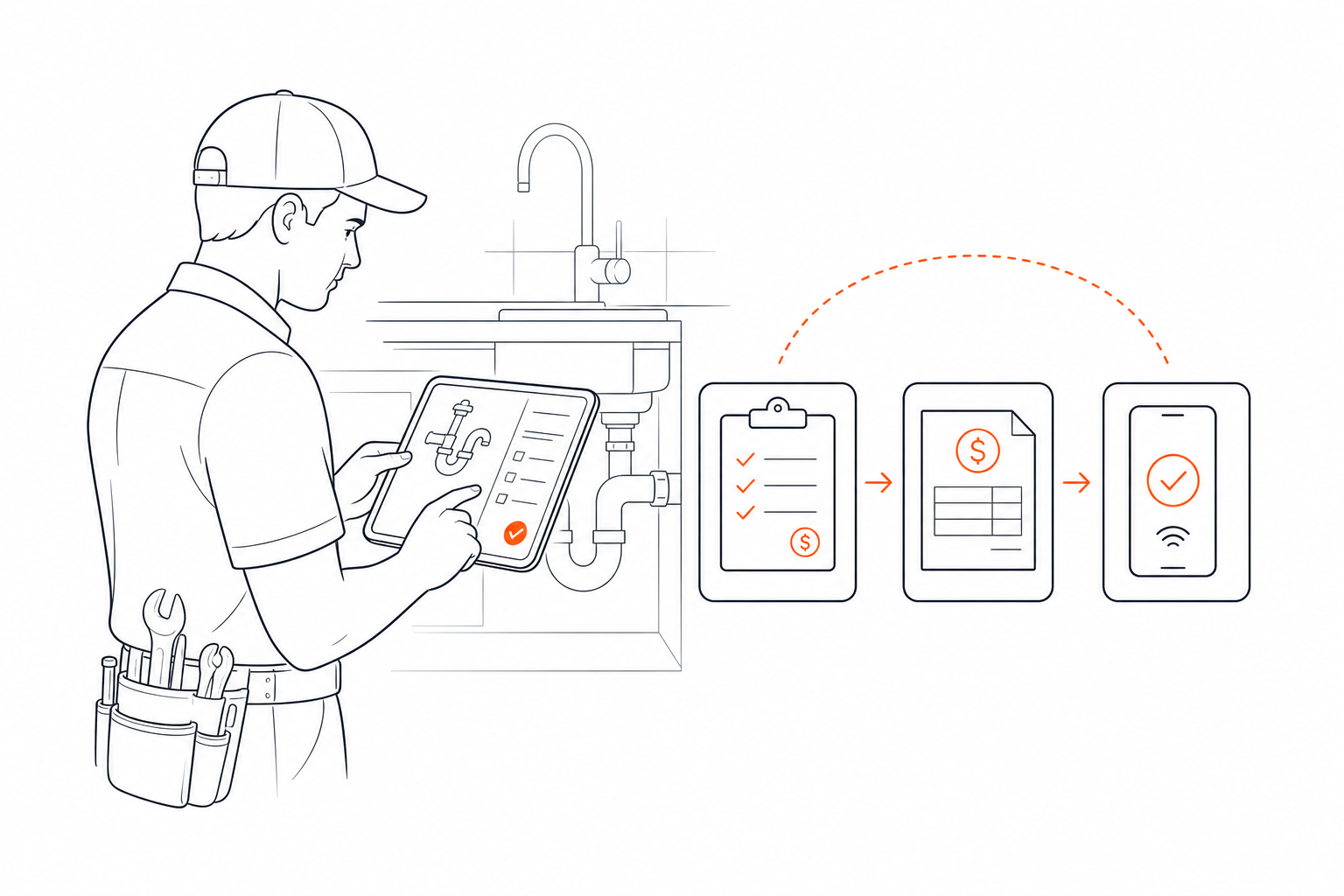
If you run a one-to-five truck residential plumbing business, the software you use to write estimates has a direct impact on your margins. A slow estimate costs you jobs. Re-keying approved work into later stages costs you time. An estimate that never turns into completed and paid work costs you cash flow.
Most "best plumbing estimating software" guides point you toward tools built for large commercial contractors — FastEST, STACK, PlanSwift, PataBid, McCormick. These are serious takeoff platforms designed for mechanical estimators bidding multi-million-dollar commercial projects from blueprints. If you're quoting a water heater replacement or a re-pipe on a residential service call, those tools are a different category entirely.
This is a practical checklist for owner-operators of small residential and service plumbing businesses evaluating estimating software in 2026.
Why Estimating Speed and Accuracy Matter for Small Shops
On a residential service call, the estimate is often the sale. A customer watching water drip from their ceiling is not going to wait two days for a formal proposal. Being able to create and send a professional estimate while the job is still active can shorten the sales cycle.
Accuracy matters just as much. Underestimating materials or labor on a flat-rate job eats directly into your profit. Overestimating consistently can make you less competitive. Good estimating software helps keep line items and job history organized so your numbers stay more consistent.
For a small shop, speed and accuracy are connected goals: the software should make it practical to build a quote in the field without forcing you back to a desk.
The Checklist: What to Look For in Plumbing Estimating Software
Estimate Creation From the Device You Carry
The software should work well from the phone or tablet you use in the field, while still being usable from a desktop when you are back at the office. You should be able to select a customer, add line items, adjust quantities, add notes, and send the estimate without rebuilding it later.
Estimate-to-Job-to-Invoice Continuity
A detailed estimate should not become dead data after the customer approves it. Look for software that can carry approved work into scheduling and then use the same job context when it is time to invoice. That keeps the customer, scope, and line items connected without re-entering the same information at every stage.
Payment Collection Through Invoice Links
Once the job is done, the customer should have a clear way to pay. Card payment links attached to the invoice are one common option. If the software uses Stripe or another processor, check both the customer payment experience and the payout schedule for your connected account rather than assuming every processor deposits funds on the same timeline.
Accounting Integration
If your plumbing business uses QuickBooks, look at exactly what the integration syncs and when. GoPlumber includes QuickBooks connectivity for supported customer and invoice workflows, while the operational estimate, job, and payment workflow remains in GoPlumber.
No Per-Seat Pricing
Per-seat pricing can make the monthly bill increase as the team grows. If predictable software cost matters to you, compare the total cost at your expected team size rather than only the entry price.
Reliable Mobile Web Access
Residential service calls happen away from a desk, so the core estimating experience needs to be practical on a phone. GoPlumber is a web application and depends on an internet connection for live data, syncing, and connected services such as payments. If true offline operation is a hard requirement for your business, evaluate that requirement explicitly when comparing products.
Customer History Tied to Estimates
When a repeat customer calls, it helps to see past jobs, estimates, and invoices tied to the customer before you start the next piece of work. Customer history connected to the workflow reduces context switching and makes it easier to understand what happened previously.
Commercial Takeoff Software Is a Different Tool for a Different Workflow
When you look up plumbing estimating software, you'll find tools such as STACK, PlanSwift, or McCormick. These platforms are built for commercial mechanical contractors who estimate from architectural drawings, manage larger bid processes, and submit formal proposals.
If your business is residential service plumbing, the better fit may be software organized around the service call: customer request, estimate, approval, scheduling, field work, invoice, and payment.
How GoPlumber Measures Against This Checklist
GoPlumber was built for independent plumbers and small plumbing operations. Here's how the current product lines up against the criteria above.
- Phone + desktop web access: The core workflow is available in the GoPlumber web app from a phone or desktop.
- Connected workflow: An accepted estimate can move into scheduling, and invoice creation for completed work can carry forward the original estimate items.
- Payment collection: When Stripe is connected, customers can use the public invoice flow to submit card payment. Stripe controls the payout schedule for the connected account.
- QuickBooks: GoPlumber includes QuickBooks connectivity for supported customer and invoice workflows.
- Predictable pricing: Plans start at $99 per month and include unlimited seats, with annual billing at $990 upfront.
- Assigned technician views: Owners and admins keep the company-wide operational view while technicians see only jobs assigned to them and related work.
- Customer history: Estimates, jobs, and invoices remain connected to customer records throughout the workflow.
GoPlumber isn't trying to be a commercial estimating platform or an enterprise dispatch system. It focuses on the workflow small plumbing teams use from estimate and scheduling through invoice and payment. You can try it free for 14 days with no credit card required.
Conclusion
For a small residential plumbing shop, the right estimating software is the one that fits the workflow your team actually uses. The strongest fit will make estimates easy to create, keep approved work connected to scheduling and jobs, and make invoicing and payment collection straightforward.
Use this checklist to compare products against the way your business actually works. Learn more about GoPlumber at goplumber.co.
Frequently Asked Questions
- What is plumbing estimating software?
- Plumbing estimating software lets plumbers create itemized quotes for labor and materials, send them to customers for approval, and carry approved work into scheduling and invoicing. The best options for small shops work well from a phone in the field as well as from a desktop.
- Is commercial takeoff software like STACK or PlanSwift right for a small residential plumbing business?
- Tools like STACK, PlanSwift, PataBid, and McCormick are built for commercial estimating workflows. A residential service business may prefer software centered on customer requests, estimates, scheduling, jobs, invoices, and payments.
- What should I look for in plumbing estimating software as a small shop owner?
- Prioritize fast estimate creation from a phone, a connected estimate-to-job-to-invoice workflow, integrated payment collection, accounting integrations, predictable pricing, and customer history tied to each estimate.
- How quickly can I collect payment after completing a job?
- With Stripe-powered invoice payment links, a customer can submit a card payment as soon as the invoice is available. Bank payout timing depends on the connected Stripe account and its payout schedule.
- Why does per-seat pricing matter when choosing estimating software?
- Per-seat pricing makes software cost increase as more users are added. GoPlumber's current plans include unlimited seats, so adding a technician does not add a separate GoPlumber seat charge.
- Does GoPlumber work offline?
- GoPlumber is a web application and requires an internet connection for live data, syncing, and connected services. If true offline operation is required for your team, treat that as a separate requirement when comparing software.
- How is GoPlumber priced?
- GoPlumber starts at $99 per month with no per-seat fees. A 14-day free trial is available with no credit card required, with annual billing at $990 upfront also available.